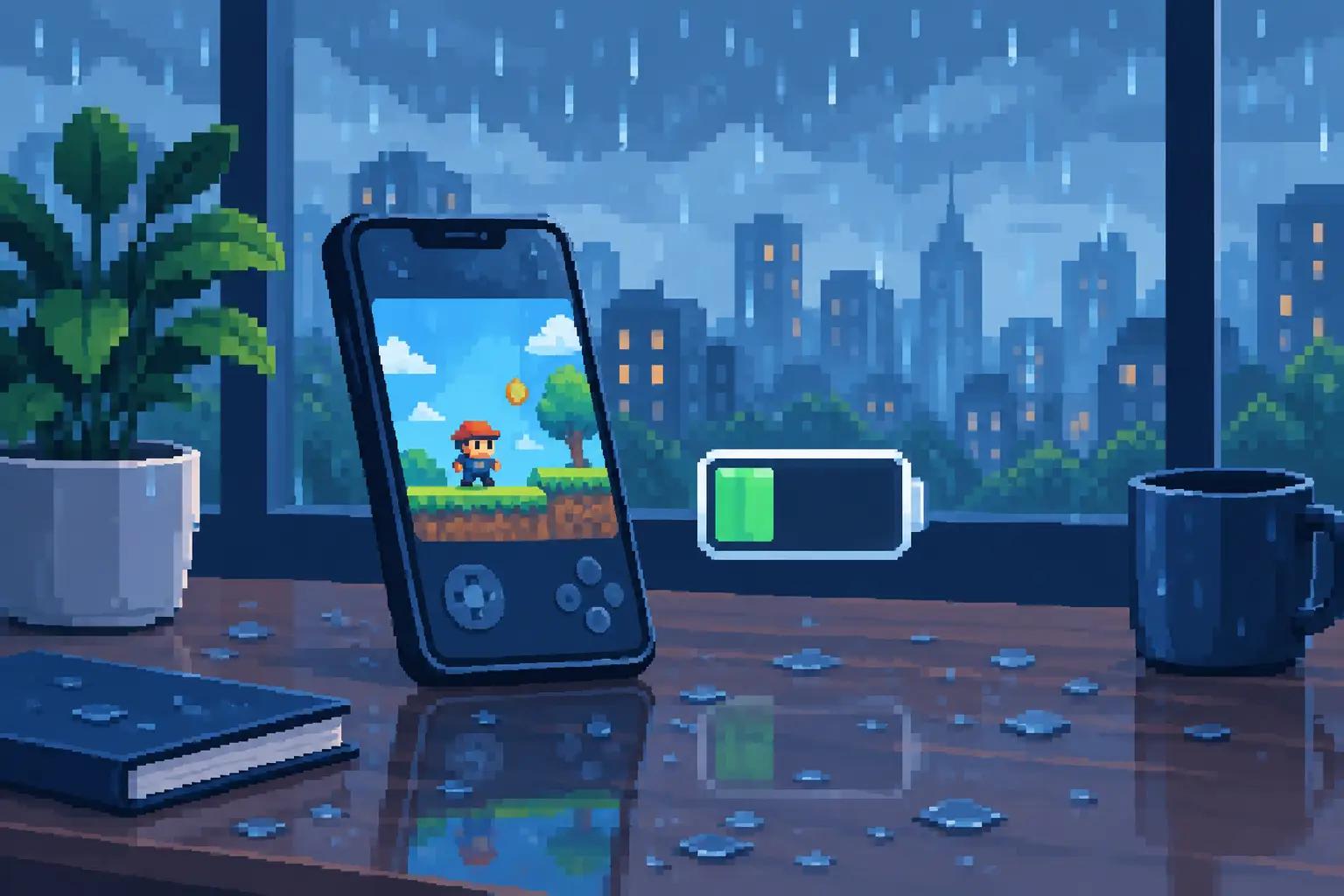
A quiet game should feel like a break for you and your phone. So, do idle games drain battery? They can, but the answer depends far more on how a game runs than on the idle genre itself. A thoughtfully designed idle game can be a gentle companion during a short pause or evening wind-down. A game that keeps your screen bright, processor busy, and connection constantly active can use noticeably more power.
The reassuring part is that battery use is not mysterious. Once you know what makes an idle game work harder, you can keep the soothing rhythm, satisfying rewards, and gradual progress without giving your battery an unnecessary workout.
Do Idle Games Drain Battery More Than Other Games?
Not automatically. The word idle describes how you play, not how much electricity the app uses. Idle games often let progress continue while you are away, and many calculate those offline rewards only when you return. That part is usually light on battery because the game does not need to stay open and actively rendering every second.
What uses power is active work on the phone: lighting the display, drawing motion, processing effects, playing sound, communicating with servers, and refreshing information in the background. A simple idle game with a mostly still screen may use less battery than a fast-paced action game. But an idle game filled with bright effects, nonstop animations, ads, or background tasks can still be demanding when left open for a long time.
For relaxation-focused games, there is a natural balance to strike. Mesmerizing visuals are part of the experience, especially when you are watching droplets gather, merge, and slip down a softly lit window. Yet a calming experience should not make your device feel hot or leave you searching for a charger after a few quiet minutes.
What Actually Uses Your Battery
Your screen is usually the largest factor. A high brightness level asks more of the battery than almost any individual game setting. If you play in a dark room with brightness turned all the way up, the display may consume more power than the game's progression systems or visual effects.
Animation is another factor. Smooth 60 FPS motion can look beautifully natural, but it requires the phone to refresh the scene more often than a static screen. This does not mean smooth animation is always a battery problem. Modern phones are built to handle it. It simply means that an animated game left open for an hour will generally use more power than one you check for a minute, collect from, and close.
Your device also matters. A newer phone with a healthy battery and an efficient display may handle ambient animation with ease. An older device, a battery that has aged, or a phone already warm from navigation, streaming, or charging may lose power faster. The same game can feel nearly weightless on one phone and more noticeable on another.
Connection activity can add to the drain as well. Games that frequently load ads, sync events, refresh leaderboards, or request data in the background ask your phone's Wi-Fi or cellular radio to keep working. A peaceful offline progression loop is often easier on power because it does not need a constant connection to remain rewarding.
Finally, sound, vibration, and push notifications play smaller but real roles. They are rarely the main cause of battery drain on their own, but they can add up when paired with a bright screen and long play sessions.
Heat Is a Useful Signal
A little warmth during active play is normal, especially on a slim phone. Sustained heat is worth paying attention to. When a device becomes noticeably hot, it may be working harder than usual, and battery performance can suffer in the moment.
If an idle game makes your phone hot during ordinary use, close the app for a while, check for an update, and avoid playing while the phone is charging under a pillow, blanket, or other insulating surface. Heat is not a reason to abandon a game you enjoy. It is simply your phone's way of asking for a calmer pace.
Idle Progress Does Not Need an Open Screen
One of the kindest features in an idle game is offline progress. Instead of asking you to keep the app running, it lets time do some of the work. You return later to a small reward, a new upgrade opportunity, or another satisfying step forward.
This is better for more than battery life. It protects the stress-free feeling that makes casual idle play so appealing. You should not feel pressured to leave a game open while you make dinner, answer a message, or put your phone down for the night.
Games built around passive rewards can calculate your absence when you come back. In other words, your progress can continue in the background without the display glowing on a table for hours. That is a more peaceful design choice for both your attention and your battery.
How to Enjoy Idle Games With Less Battery Drain
You do not need to turn a beautiful game into a bare screen to save power. Small adjustments can preserve the visual pleasure while making long sessions more comfortable.
Start with display brightness. Lowering it to a comfortable level is usually the most effective change. If your phone offers adaptive brightness, it can help the screen match the room instead of staying brighter than needed.
Then think about session length. Let a few minutes of soothing visuals be a small ritual: watch the droplets, collect your rewards, choose an upgrade, and return to your day. The magic of idle games is that progress is not lost when you close them.
If a game includes visual quality, frame rate, particle, sound, or vibration settings, use the ones that feel right for you. Lowering a frame rate or reducing effects may save some power on an older phone, while newer devices may run the full experience comfortably. There is no single best setting. The best setting is the one that keeps the game looking lovely without making your phone warm or draining it faster than you expect.
For longer relaxing sessions, Wi-Fi is often preferable to a weak cellular signal. A phone working hard to maintain poor reception can use extra battery regardless of what game is open. Closing unused apps and keeping your operating system updated can also help your phone manage resources more efficiently.
A Calm Game Should Respect Your Phone
Not all idle experiences are equally gentle. Some rely on constant tapping, dense menus, aggressive alerts, or videos that interrupt the moment. Those choices can make a game feel busy, and they may add to power use through frequent network activity and a screen that stays awake longer than you intended.
A more considered approach puts the pleasure of returning first. In Droplet Idle, the appeal is in the soothing rhythm of realistic droplets and lightweight progression, not in demanding constant attention. The visual experience matters, but so does the freedom to enjoy it briefly, put your phone down, and come back to rewards later.
That distinction is useful when choosing any mobile game. Look for offline earnings, optional rather than constant video content, clear settings, and a pace that does not punish you for stepping away. These features support a more restful relationship with your device.
When Battery Drain May Be a Real Problem
A steady battery drop while a game is open is normal. Rapid drain, unexpected overheating, or large power loss when you barely played may point to something else. The app may need an update, another app may be running heavily in the background, or your battery health may have declined.
Check your phone's battery settings to see which apps have used the most power over the day. This gives you a clearer picture than guessing from one session. If a particular game is consistently at the top after short use, try restarting your phone, installing available updates, or adjusting the game's settings. If the issue continues across many apps, the phone itself may need attention.
Battery saving modes can help when you are away from a charger, though they may reduce animation smoothness, limit background refresh, or delay notifications. That trade-off is often worthwhile on a travel day, but you may prefer normal settings when settling in for a few quiet minutes at home.
A relaxing idle game is at its best when it fits around your life rather than quietly consuming it. Let the screen shimmer for a moment, let the rewards accumulate while you are away, and let your phone rest when you do.